Campus Resource Scheduler
Overview
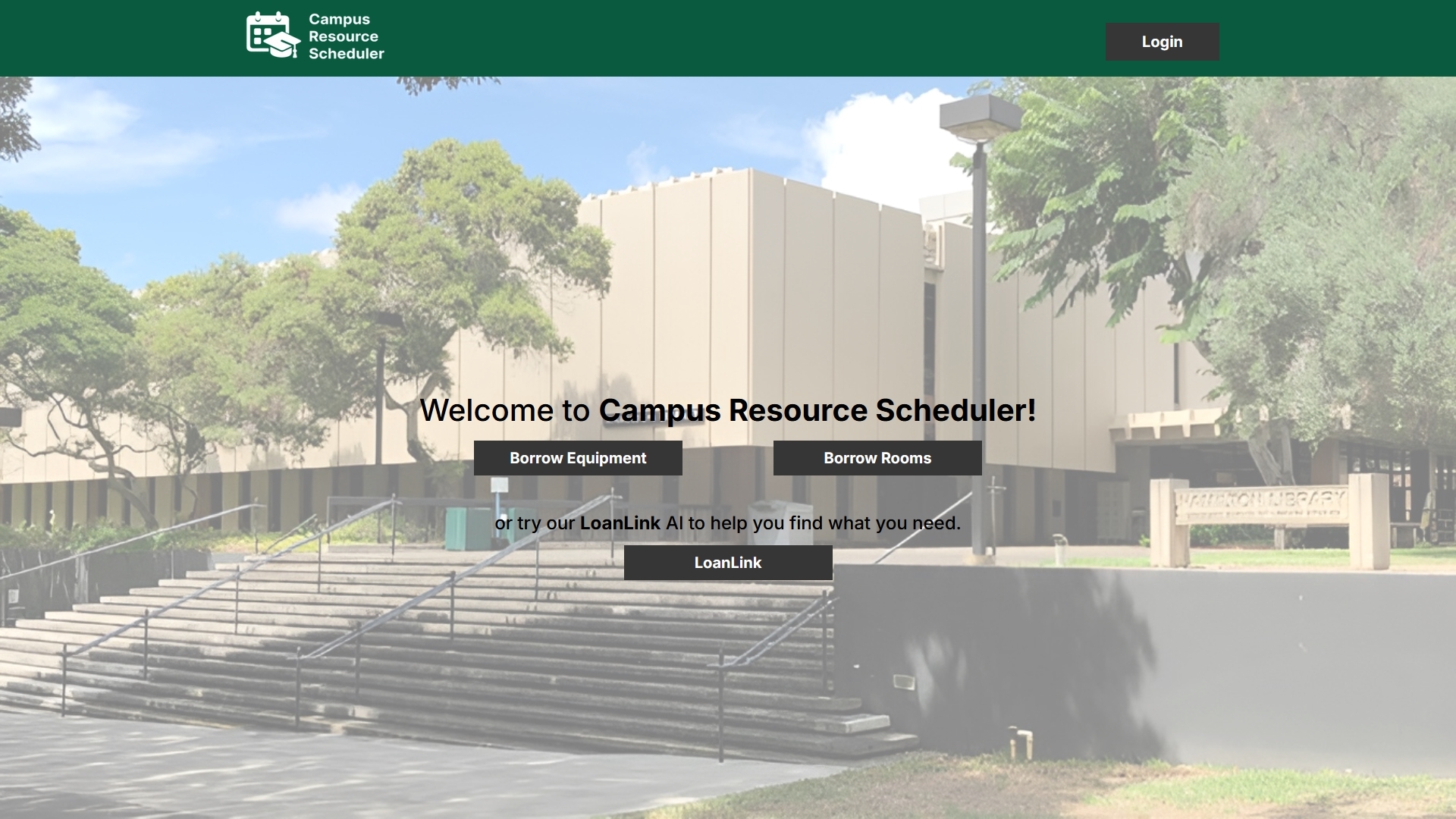
The Campus Resource Scheduler (CRS) was an application I developed with four other students over the course of my ICS 314 - Software Engineering class. It is a web application developed for the students and faculty of all University of Hawaii campuses. The main function of the website is to allow anyone attending a University of Hawaii campus to see what resources are available to borrow and use. It is a hub that contains both physical resources and location-based resources that people may need for a set amount of time. It allows the user to schedule, manage, and return resources through a user-friendly interface. They are also able to customize their own personal profile within the website. By doing so, they can quickly search for relevant resources tailored to their profile. They can also ask our AI assistant, which will guide the user based on their prompt to the resources they may need.
My Role
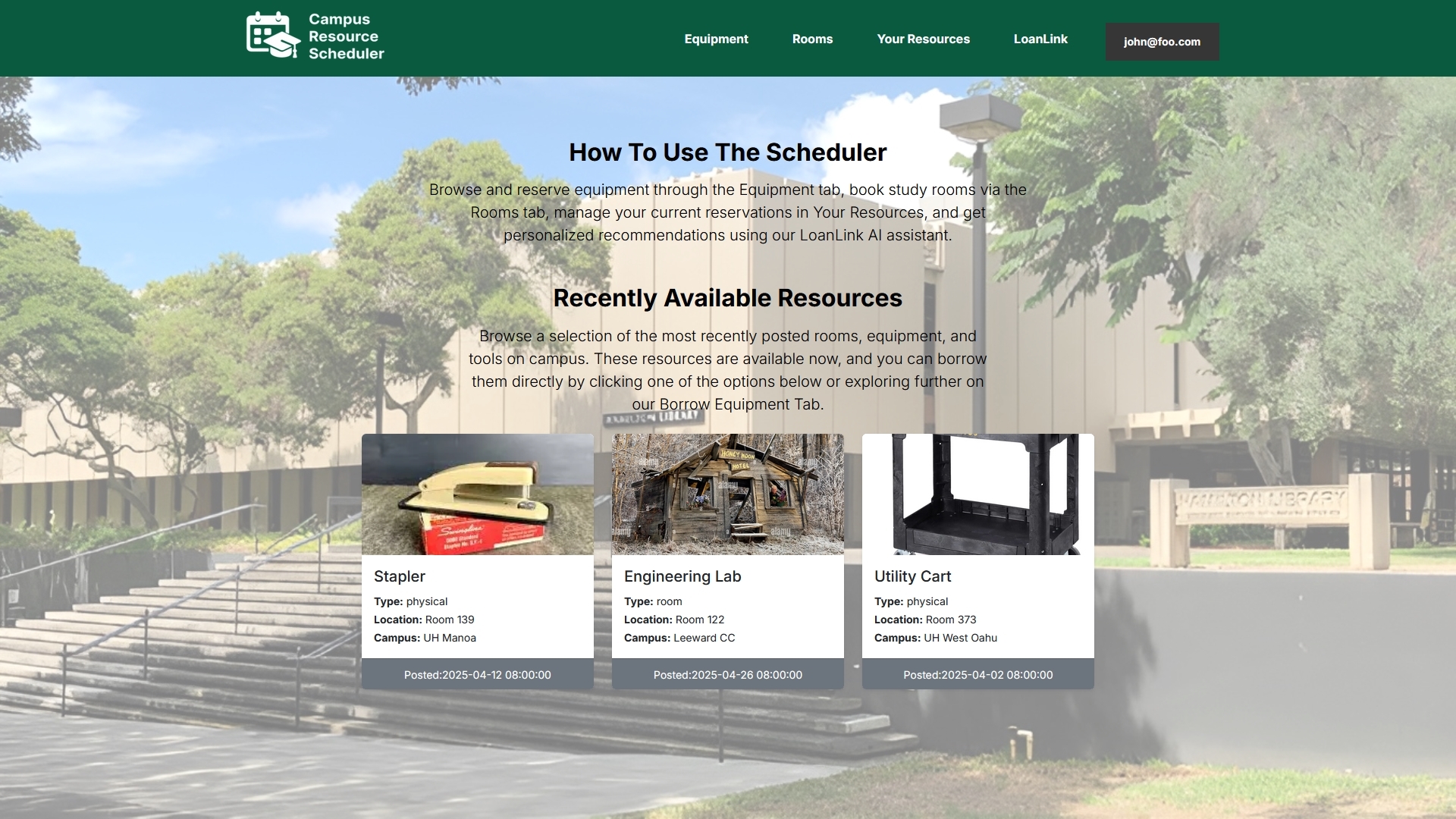
My role in this project was to work on both the user home page and the admin home page, as shown in the images below. The user home page is the first thing a user sees when they log into the Campus Resource Scheduler. It gives them a brief explanation of what they can do in the application. Underneath that, it shows three resources. These resources are ones that were recently made available—whether they weren’t booked yet or another user returned them, making them available to be booked again.
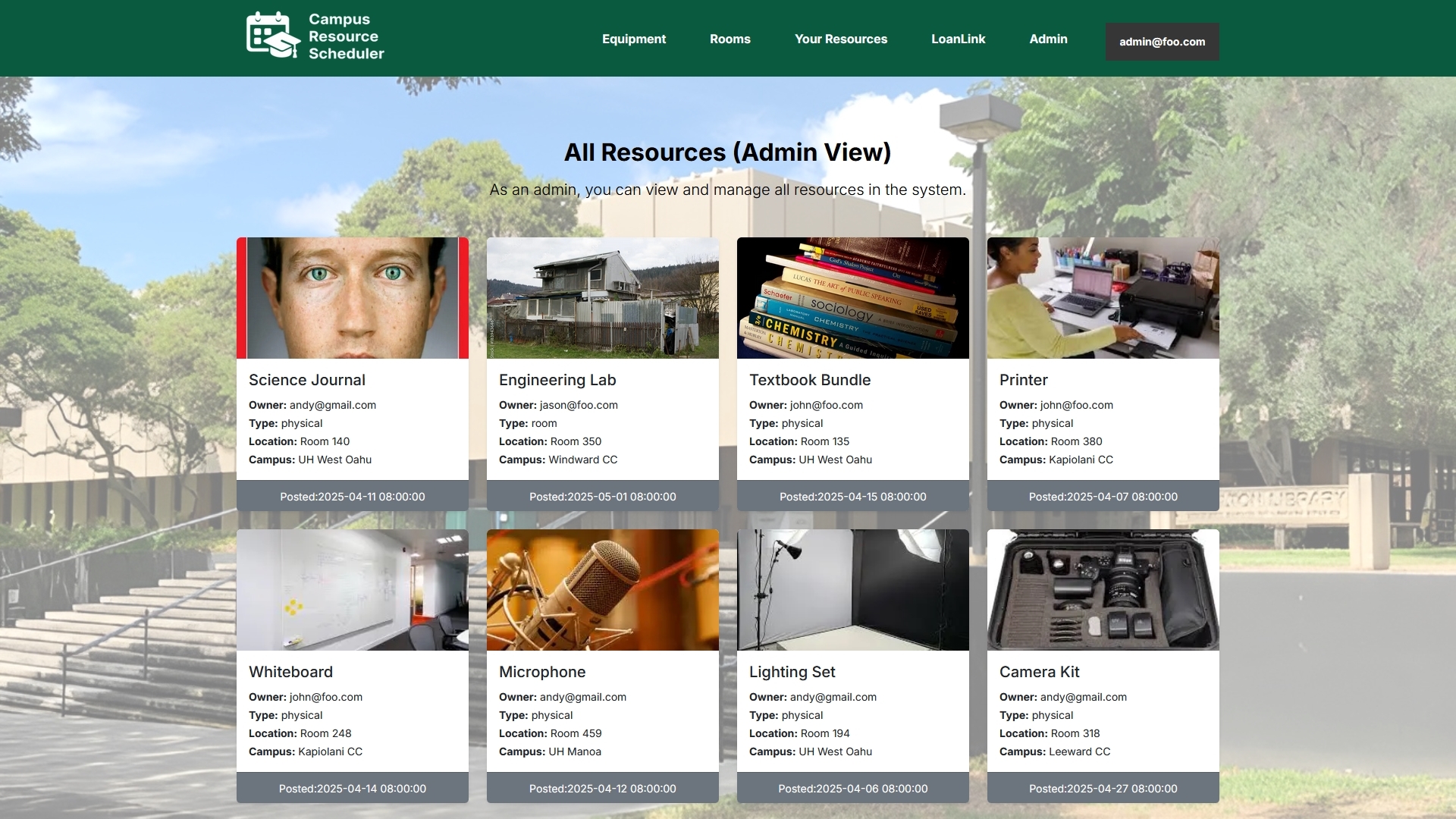
The admin home page is similar in that it also displays resources, but it is designed for any admin (such as me or my four other teammates) to monitor how the website is functioning, including when and where resources were booked and who booked them. On the admin home page, you can see all resources currently booked by a user and not owned by the admin (i.e., not currently booked by the admin).
Lessons Learned
This was my first time modifying an application to show different homepages upon login depending on the role—whether you are not logged in, a user, or an admin. It was definitely challenging to tackle this unique problem, which I had not encountered yet in my ICS 314 - Software Engineering class. This was the main technical issue I faced, and it took many hours to figure out. In the end, I was able to implement the solution successfully.
This experience taught me a lot about role-based rendering and strengthened my problem-solving skills. It also taught me important teamwork skills. I had to write code while keeping in mind other collaborators working at the same time. This was also a first for me, as I had previously only worked in the same file or space as everyone else. I gained vital experience and skills in both coding and teamwork through this project, and I am grateful for the experience—and for my teammates.
Here is the link to the GitHub: GitHub
Here is the link to the Website: Website